
Training · Online
How to set up for live Zoom tattoo training: camera, light and practice skin
Live online training works when your instructor can clearly see your hands, your needle angle and your colour. A simple, well-planned setup makes every session more useful.
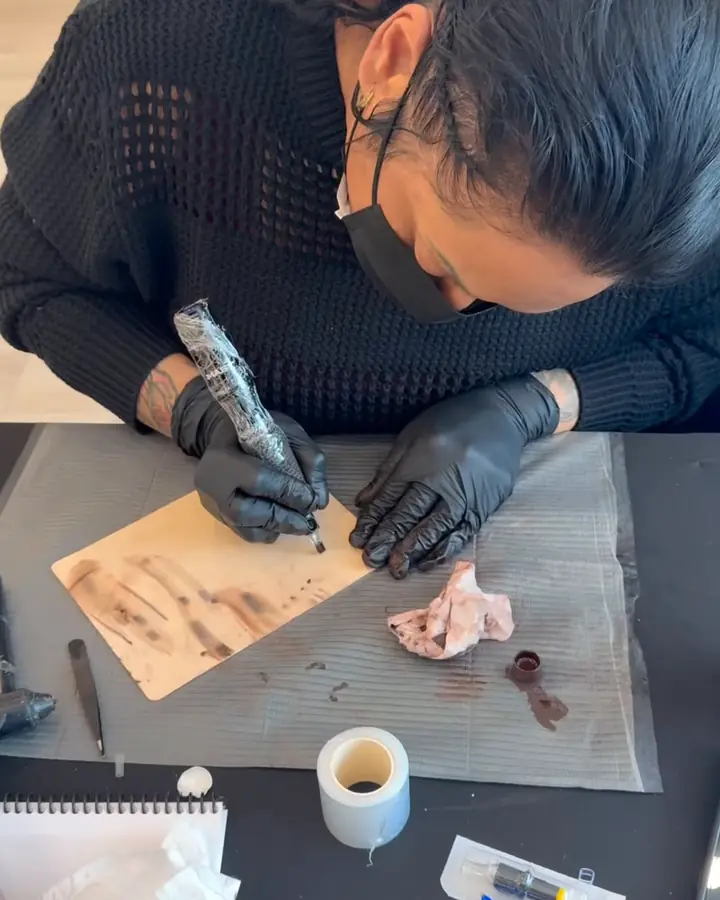
Why the setup matters
In live one-on-one training, your instructor is watching your work in real time and correcting it as you go: the angle of the machine, how deep you are working, how saturated the colour looks, how you stretch the skin. If the picture is dark, blurry or shot from the wrong angle, much of that feedback is lost. Ten minutes spent on your setup before the first session can make the difference between general advice and precise correction.
Cameras: two views are better than one
- Main camera: a laptop webcam or tablet facing you, for conversation and demonstrations.
- Work camera: a phone on a stable overhead or angled stand, pointed at your practice skin and hands. Join the call from the phone as a second device, with its microphone and speaker muted to avoid echo.
- Angle: place the work camera slightly to the side of your working hand, so the needle and skin are visible rather than hidden behind your fingers.
- Focus: lock focus and exposure on the phone if it allows, so the picture does not keep shifting as your hand moves.
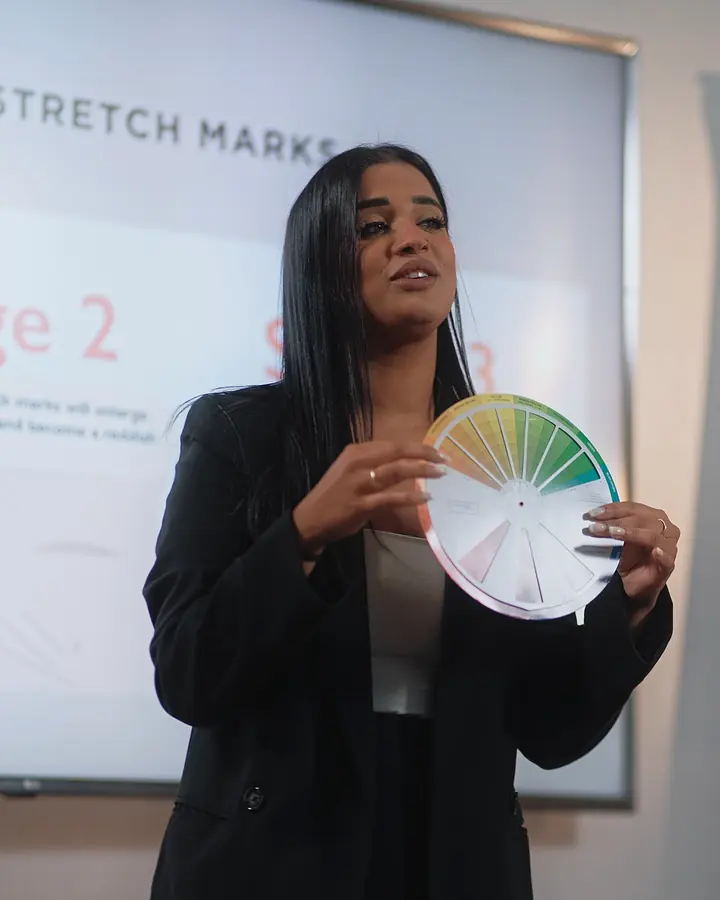
Lighting that shows true colour
Camouflage is all about colour, and poor light makes accurate feedback impossible. Use a daylight-balanced lamp or ring light, around neutral white, aimed at your work area from the front and slightly to the side to avoid hard shadows. Turn off warm overhead bulbs that tint everything yellow, and avoid sitting with a bright window behind you. Before each session, hold a white card in front of the work camera to check that it really looks white. Read camouflage photography for artists for more on consistent light.
Practice skin and your workstation
Set up exactly as you would for real work, with the same hygiene habits, so practice builds the right routine. Fix the practice skin firmly so it does not slide. Keep pigments, cups and tools within reach and visible to the camera when you are mixing colour, because your instructor will want to see your swatches. Have paper or a tablet nearby for notes. Read practice skins for camouflage artists to choose materials.
Internet, sound and timing
- Use a wired connection or sit close to your router if you can.
- Close other apps and pause large downloads during sessions.
- Use earphones on your main device so you can hear instructions over the machine.
- Confirm the session time in both time zones. Evelyn teaches from Toronto on Eastern Time, so Pacific Time students often book their morning, and Central Time students are one hour behind.
What live 1:1 Zoom can and cannot do
Live online training is very good at theory, colour mixing, assessment, consultation practice and correcting technique on practice skin in real time. It cannot replace the conditions of your state's license, and it does not put an instructor in the room with a client. That is why careful case selection and mentorship after the course matter so much.
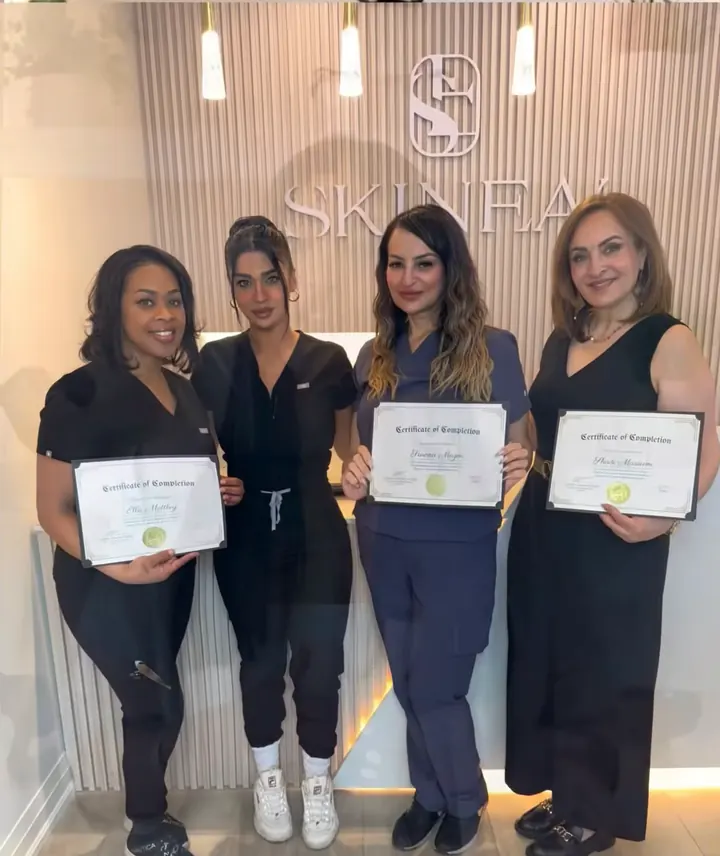
Evelyn's live 1:1 online paramedical camouflage course covers the full basics, learning on practice skin, theory, machine and ink, pigment chemistry basics, and the business side: your audience, a pricing strategy you set yourself, and session spacing. Tuition is $2,997 USD, or $3,697 USD with the training kit shipped to the US, with payment plans available (for example a $500 deposit + 3 x $999). It is taught live over Zoom from Canada, and SKINEAV has no US location. You receive a Certificate of Completion, which is not a license, and six months of mentorship.
Licensing note: the SKINEAV Certificate of Completion shows you finished Evelyn's training. It is not a state license, permit or registration. Before you tattoo anyone in the US, check and follow the rules of your state, county and city.
Frequently asked questions
Do I need special equipment for Zoom training?
No special equipment beyond a laptop or tablet, a phone on a stand as a second camera, a daylight-balanced light and your normal tattoo setup with practice skin.
Can my instructor really see my needle angle on Zoom?
Yes, if the work camera is placed to the side of your working hand with good light and locked focus.
What time zone are SKINEAV sessions in?
Evelyn teaches from Toronto on Eastern Time, and sessions are scheduled in your own time zone and confirmed in writing in both.
Is the course live or recorded?
Live, one-on-one with Evelyn on Zoom, with six months of mentorship afterwards.
Is the SKINEAV certificate a license?
No. It is a Certificate of Completion for the training only.